


Discover the Tap Strap, the device that turns anything into a keyboard - Full video
Anything’s a keyboard? Would be weird to type without any feedback, visual or feel… you’d definitely end up straying…
via Tumblr http://bit.ly/2fe7ZG2
Discover the Tap Strap, the device that turns anything into a keyboard - Full video
Anything’s a keyboard? Would be weird to type without any feedback, visual or feel… you’d definitely end up straying…

Turn Your iOS 9 Keyboard Into a Trackpad Even Without 3D Touch
The iPhone 6s comes with 3D Touch which by pressing hard allows you to peep and pop into certain apps creating helpful shortcuts. It also allows you to turn your keyboard into a trackpad simply by pressing and holding down the keyboard. This allows you to move the cursor freely within the space you’re typing. What you may not know is that this feature is also available on older hardware without 3D Touch. Simply hold 2 fingers on your keyboard and a trackpad will appear! This seems to work on all older iPhones and iPads running iOS 9.
This was an advertised thing. Use it.
I’m using the Smart Keyboard case. I think it does an all-round good job of being a cover, keyboard and stand. There are better versions available of each of those component parts, but the fact that this bundles them all together in one package makes it the one for me.
Joanna Stern:
The sculpted plastic keys were great when I had to write a lengthy email and make edits to a story. The keyboard also doubles as a touch-sensitive trackpad, allowing you to move the cursor. But even I, a former physical keyboard addict, ended up using the on-screen keyboard most of the time. It’s more convenient and easier to use one-handed. Our broad on-screen keyboards with smart predictive text have rendered BlackBerry’s classic keyboard the smartphone equivalent of a Colonial butter churn.
My, how the times change.
It’s hard to believe that a company released a phone in 2015 with a physical keyboard.

And like basically every Microsoft product, it seems great until you actually use it. Then it’s garbage.
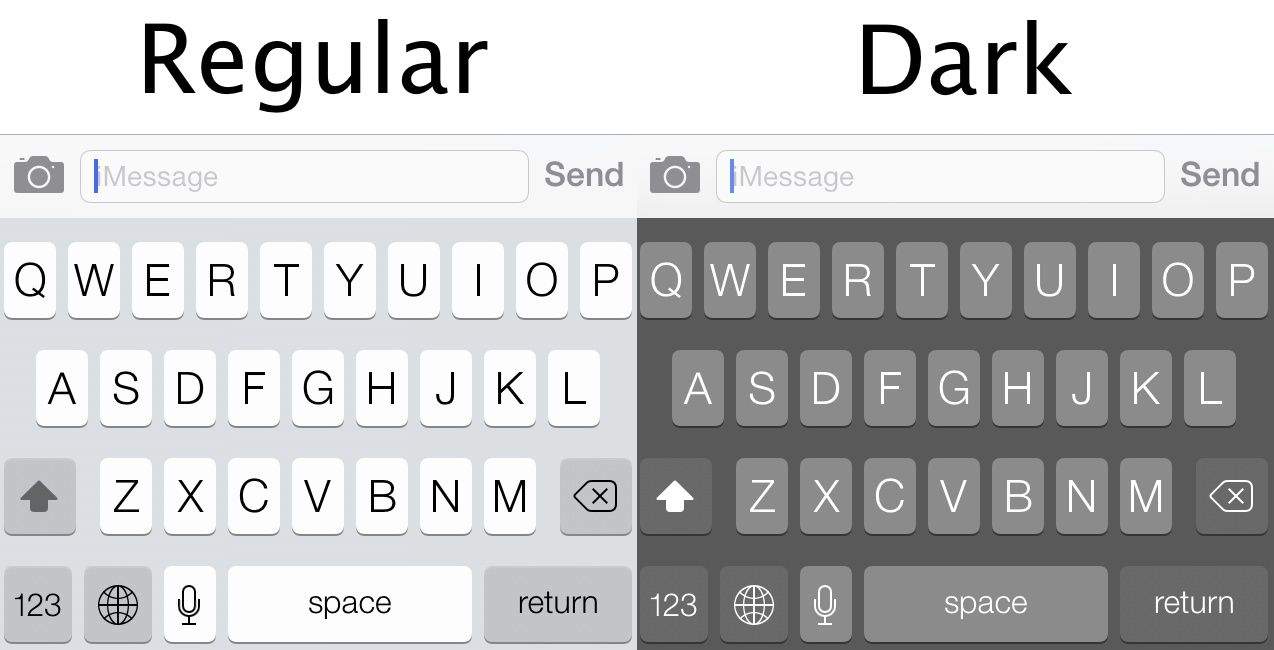 |
| Source: http://cdn.cultofmac.com/wp-content/uploads/2013/11/darkkeyboard.jpg |
Do you like the way the Apple keyboard “feels,” or would you prefer something a tad different?Here are my thoughts:


